
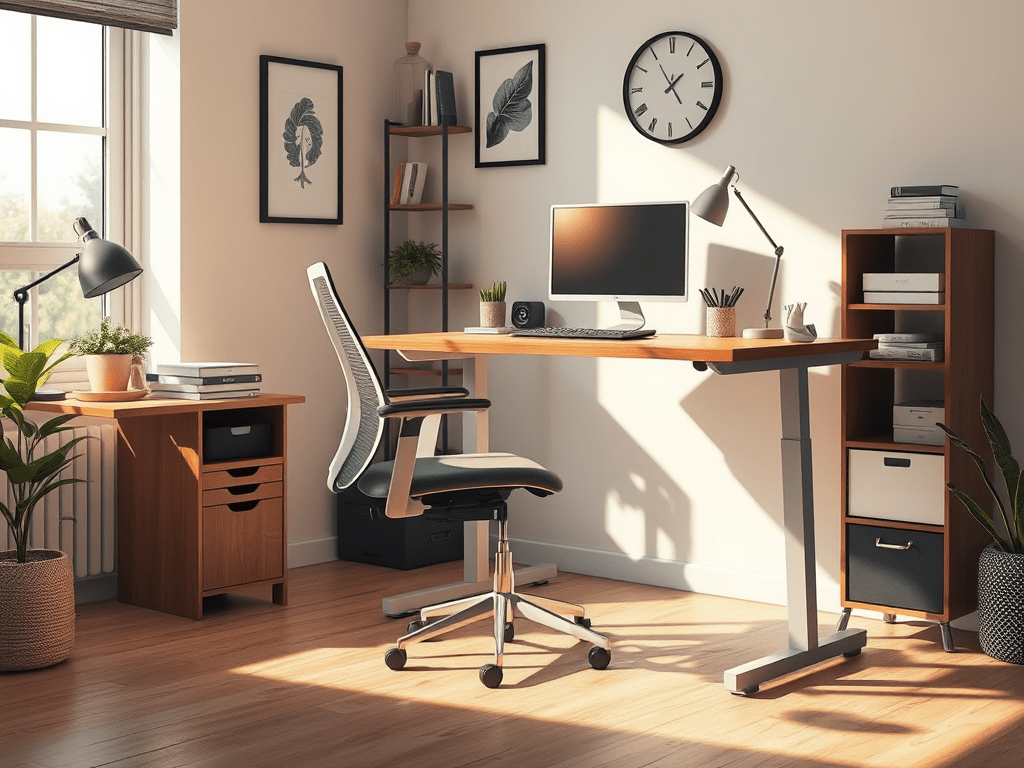
Comfort Matters
Hi friend 👋,
Let me guess — you’re probably reading this from a desk (or maybe your kitchen table, or worse… your couch). I’ve been there too. When I first started working remotely, I believed I could settle for any chair and table available at home. A few weeks in, though, my back and neck ached. My wrists were stiff. I felt more drained than I did at the office.
That was my wake-up call: comfort matters. I started shopping for “ergonomic” gear, but the price tags were intimidating. There were $400 chairs and $300 standing desks. There were also gadgets I wasn’t sure I really needed. So I set myself a challenge: could I build an ergonomic desk setup for under $100? Spoiler alert: yes. And it completely changed the way I work from home.
Step-by-Step Guide
This post is my step-by-step guide. It will help you do the same. You’ll save your body, your energy, and your wallet. This post is my guide to help you save. It will preserve your body, your energy, and your wallet.
Table of Contents
- Why Ergonomics Matter in Remote Work
- Step 1: Upgrade Your Seating (Without Buying a New Chair)
- Step 2: Elevate Your Screen
- Step 3: Support Your Wrists and Hands
- Step 4: Light the Space Wisely
- Step 5: Add Movement and Micro-Breaks
- Visual Cheat Sheet
- Your Challenge This Week
Why Ergonomics Matter in Remote Work
Working from home gives us freedom — but it also comes with hidden costs if we’re not intentional. Poor posture and bad setups lead to remote work burnout. Surveys show that nearly 70% of remote workers report new or worsening musculoskeletal pain since shifting to home offices.
Ergonomics isn’t just about comfort; it’s about energy. When your screen is too low, your neck strains. When your chair doesn’t support you, your back compensates. These small stressors build up, draining focus and leaving you exhausted by 3 PM. A proper desk setup helps your body align naturally, reduces fatigue, and boosts long-term health — no chiropractor bills required.
The best part? You don’t need a thousand-dollar setup to feel the difference. With creativity and a few smart purchases, you can transform your workspace on a budget.
Step 1: Upgrade Your Seating (Without Buying a New Chair)
You don’t need to buy an expensive ergonomic chair. Instead:
- Lumbar pillow substitute: Roll up a towel or use a small cushion behind your lower back. Cost: $0.
- Seat cushion: A memory-foam cushion (around $25 on Amazon) distributes weight evenly and keeps your hips comfortable.
- Chair height hack: If your chair is too low, place a firm cushion beneath you. If too high, add a footrest (a sturdy shoebox works).
Step 2: Elevate Your Screen
Your screen should be at eye level so you’re not constantly looking down.
- Laptop stand alternative: Use stacked books or a sturdy box to raise your laptop. Cost: $0.
- Budget stand option: Adjustable laptop stands start around $20 and are worth the small investment.
- Extra tip: If you can, pair it with an external keyboard and mouse (see below).
Step 3: Support Your Wrists and Hands
- Typing all day on a flat laptop keyboard puts pressure on your wrists.
- Take breaks: Every 20 minutes, shake out your hands to keep circulation flowing.
- External keyboard and mouse: Basic wired versions cost under $30. This instantly improves wrist posture.
- DIY wrist rest: Fill a sock with rice or beans and stitch the end. It cushions your wrists for free.
Step 4: Light the Space Wisely
Good lighting reduces eye strain and keeps your brain alert.
- Desk lamp with warm light: Around $15–20. Position it opposite your dominant hand to avoid shadows.
- Natural light hack: If possible, place your desk perpendicular to a window.
- Blue light filter: Free software like f.lux adjusts screen color to reduce strain in the evenings.
Step 5: Add Movement and Micro-Breaks 🙌
Ergonomics isn’t just furniture — it’s movement.
- Pomodoro breaks: Every 25–30 minutes, stand up, stretch, or walk around.
- Standing desk hack: Place your laptop on a high counter for short standing sessions. Cost: $0.
- Stretch reminders: Set a timer or use free apps like Stretchly to keep your body moving.
Your Challenge This Week
I want you to try just one of these upgrades today. Maybe it’s stacking your laptop on a few books, or adding a pillow behind your back. Notice how different your body feels at the end of the day.
If you’ve been struggling with remote work burnout, try making this small shift. It can be the first step toward a calmer, more energized workday.
👉 Share your desk setup or your favorite budget hack in the comments — I’d love to hear from you. Do you want more guides like this? Subscribe to the newsletter. You can also explore other resources at From Desk to Calm.
Until next time, take care of your back, your wrists, and your energy. You deserve it.
Tim
P.S. Fun fact: Ernest Hemingway famously wrote standing up. Maybe he was the original ergonomics hacker 😉
 From Desk to Calm